
Sports Betting App Security: Mobile Architecture, Permissions, and Data Audits
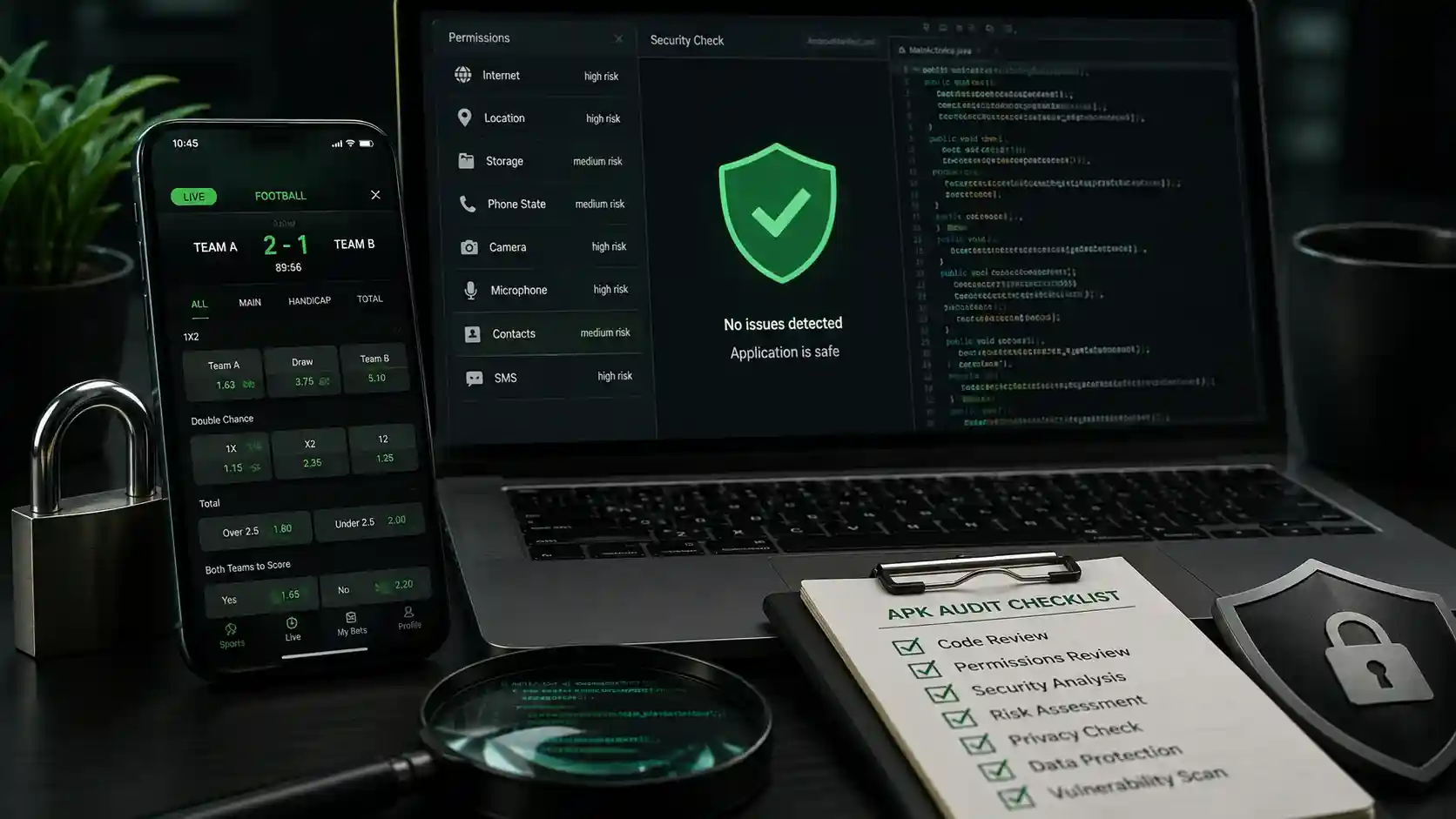
Sports betting app security begins with the verified download source and the exact operator domain. This guide covers Android packages, mobile websites, permissions, updates, login protection, recovery, data privacy, and suspicious requests.
- Official APK Origin: Download Android installation packages exclusively from the operator's verified official domain, never third-party app stores.
- Biometric Authentication: Activate fingerprint sensor (Touch ID) or facial recognition (Face ID) for seamless, secure application logins.
- App Permission Audits: Legitimate sports betting apps require only location permissions (for geofencing) and network access; deny contacts, SMS, or storage access.
- Two-Factor Authentication (2FA): Require an SMS or authenticator app OTP for all login sessions and cashier payout requests.
Android APK Security: Verifying File Integrity
Because Google Play Store policies in certain regions restrict real-money gaming apps, Philippine operators frequently provide direct Android Package Kit (APK) downloads. While safe when downloaded from accredited operators, malicious actors occasionally clone apps to steal login credentials.
To safeguard your mobile device, always verify that the download URL matches the operator's official domain over HTTPS. Modern Android devices (Android 12+) allow you to grant "Install Unknown Apps" permission specifically to your browser for a single installation before automatically revoking it.
| Device Permission | Legitimate Operational Need | Security Recommendation |
|---|---|---|
| Precise Location (GPS) | PAGCOR regulatory geofencing compliance | Allow While Using App |
| Internet / Network Access | Live odds feeds and bet slip submission | Allow Required |
| Contacts / Address Book | None (Potential privacy invasion) | Deny Access |
| SMS / Text Messages | Auto-reading OTPs (Optional convenience) | Deny (Input OTP Manually) |
| Storage / Photos | Uploading KYC government ID documents | Allow During Verification Only |
Securing Your Account Against Unauthorized Access
Beyond device-level permissions, maintaining strong personal security hygiene prevents credential-stuffing attacks:
- Unique, High-Entropy Passwords: Never reuse your email or GCash MPIN as your sportsbook password. Utilize a password manager to generate 16+ character alphanumeric credentials.
- Public Wi-Fi Precaution: Avoid accessing sports betting apps or processing financial cashier transactions over unencrypted public Wi-Fi networks in cafes or malls without an active VPN.
- Automatic Session Timeout: Ensure your app settings automatically log out after 5 to 10 minutes of inactivity to protect your balance if your phone is unattended.
Recognizing Phishing and Fake APK Clones
Scammers can create fake landing pages and bonus APK offers to harvest credentials. Treat Telegram channels, unfamiliar cloud drives, unsolicited SMS links, and any source not linked from the exact verified operator domain as unsafe until independently confirmed.
Sources and Methodology
How this article was prepared
- The review focuses on source verification, publisher identity, permissions, updates, and account-security controls.
- A store listing, APK filename, familiar logo, or HTTPS connection is not treated as proof that a betting service is authorized.
See our Editorial Policy for sourcing, corrections, and commercial-independence standards.
Use Only the Current Verified Mobile Access Route
Check the domain, publisher, package source, requested permissions, version, and update path before installing or signing in.
Frequently Asked Questions
Only download APK files directly from verified, HTTPS-secured official operator domains listed in regulatory records.
A legitimate betting app should never request access to SMS inbox reading, contacts, microphone, or full device file storage.
Fingerprint and Face ID authentication prevent unauthorized access even if your smartphone is lost or temporarily unlocked.