
Sports Betting Payments, Deposits and Withdrawals
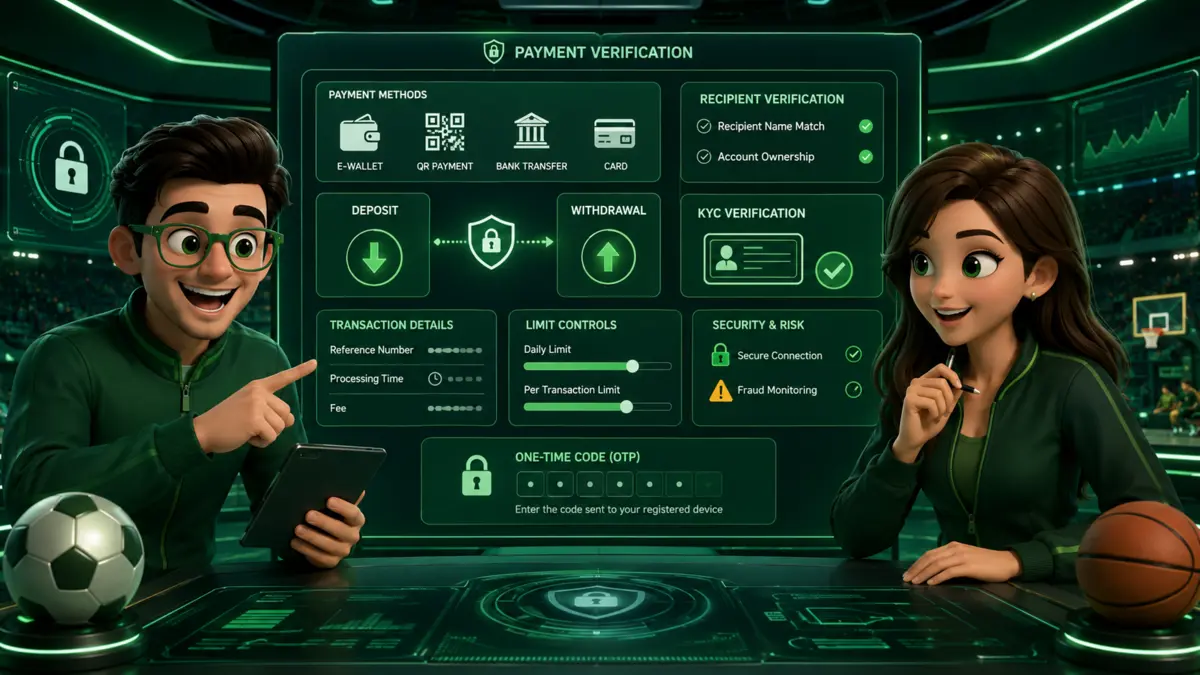
Sports betting guide resources can help readers compare sports betting payments before transferring funds. This GCash sports betting overview explains sports betting deposit and sports betting withdrawal checks for recipients, limits, fees, account names, processing estimates, and identity review.
This page explains how to review a cashier without inventing universal minimums, guaranteed payout times, or a “standard” fee. It is educational information for adults aged 21 and above and does not process payments or hold player funds.
- Verify the exact domain before opening the cashier or scanning a QR code.
- Use the live cashier to confirm the method, merchant destination, amount limits, fees, and processing estimate.
- Match account details when required and resolve spelling differences before depositing.
- Never share secrets: an operator should not need your wallet MPIN, banking password, OTP, or recovery code.
- Save records including the transaction reference, accepted ticket, withdrawal request, and support case number.
Verify the Cashier Before Sending Money
- Match the brand and exact domain with PAGCOR's current registered-brand and URL information.
- Log in only through that verified address or its documented app route.
- Open the cashier from inside the account instead of following a payment link received by message.
- Confirm the displayed merchant, supported method, minimum and maximum amount, fee, processing estimate, and any maintenance notice.
- Review the platform's identity, source-of-funds, bonus, turnover, and withdrawal terms before confirming.
- Save the receipt and transaction reference until the account ledger and destination account both reflect the result.
A wallet or bank logo proves only that the logo is displayed. It does not verify the sportsbook, the payment destination, or a guaranteed processing time.
GCash, Maya, QR Ph, and Bank Transfer
| Channel | Check before deposit | Check before withdrawal |
|---|---|---|
| GCash | Official merchant flow, displayed amount, account-name rule, fee, and transaction reference | Destination wallet eligibility, current limit, document review, fee, and estimate |
| Maya | Verified cashier route, merchant identity, QR or checkout details, and wallet confirmation screen | Account-name requirements, review steps, current availability, and destination record |
| QR Ph | Merchant name and amount encoded in the QR; avoid a personal or unrelated recipient | Whether QR is supported for withdrawals at all; do not infer it from deposit support |
| Bank transfer | Beneficiary, bank, amount, reference, cut-off or maintenance notice, and fee | Destination account ownership, transfer rail, banking schedule, review, and reference |
| Other method | Current operator terms and the payment provider's own confirmation screen | Eligibility, fees, limits, processing estimate, and formal support route |
Deposit support does not guarantee withdrawal support through the same method. A platform may require a different verified destination or additional review. Confirm both directions before funding an account.
Deposit Workflow and Account Records
A typical deposit begins in the platform cashier, continues to the selected payment service, and returns to the platform after confirmation. The user should verify the amount and merchant at every stage. If the wallet shows success but the platform balance does not update, avoid repeating the payment until the first reference has been checked.
- Record the date, time, amount, method, merchant, and transaction reference.
- Check the account ledger rather than relying only on a pop-up notification.
- Do not send a second transfer because a stranger claims the first payment is “stuck.”
- Use the support contact published on the verified domain and request a case number.
Withdrawal Workflow and Identity Review
A withdrawal request can involve account-eligibility checks, identity review, payment-destination verification, promotion conditions, security holds, maintenance, and the payment provider's own processing. The order and timing are not universal.
- Review the current withdrawal method, limit, fee, and estimate inside the verified cashier.
- Confirm that the account profile and destination details meet the platform's current name and ownership rules.
- Check whether identity or source-of-funds documents are requested and submit them only through the verified channel.
- Review any accepted promotion or unsettled ticket that may affect account availability.
- Save the request reference and wait for the stated review period before escalating.
- If the request is rejected, ask for the specific rule, missing document, or account issue and retain the support response.
KYC, Name Matching, and Document Safety
Operators may require identity information to confirm age, account ownership, payment ownership, or compliance with current rules. Requirements vary. Do not publish or rely on a universal list of accepted IDs, a guaranteed “one-document” process, or mandatory facial biometrics for every platform.
Before uploading a document, confirm the exact domain, read the privacy notice, and identify the purpose, recipient, retention approach, and support contact. Mask information only when the operator's instructions allow it; do not alter a document in a way that causes rejection.
If the account name, wallet name, or bank account name differs because of spacing, a middle name, suffix, marriage, or a typographical error, contact verified support before depositing. Do not create another account to work around a verification problem.
Fees, Limits, and Processing Times
There is no reliable site-wide number for a minimum deposit, maximum withdrawal, fee, or processing time. These values can vary by platform, user verification level, payment provider, time of day, maintenance window, risk review, and promotion status.
| Field | Example of what to record |
|---|---|
| Method | Exact wallet, bank, card, or QR route shown to the account |
| Amount range | Current minimum and maximum displayed for that direction |
| Fee | Platform fee, provider fee, or “no fee” statement shown at confirmation |
| Estimate | Operator review estimate and payment-provider processing estimate |
| Conditions | Name matching, verification, promotion, unsettled tickets, or maintenance |
| Evidence | Transaction reference, status, timestamp, and support case number |
Turnover and Anti-Money-Laundering Claims
Do not describe a universal “1x turnover rule” as an automatic statutory requirement for every Philippine deposit unless the exact current legal and operator source supports that statement. A platform may publish anti-money-laundering, wagering, promotion, or withdrawal conditions, but users should read the actual term attached to their account and transaction.
If a withdrawal is blocked because of a turnover condition, ask the operator to identify the exact accepted term, calculation basis, eligible markets, excluded selections, and completion record. A requirement should not be guessed from another platform's policy.
Payment Scam Warning Signs
- A transfer request sent only through social media, SMS, or a private chat.
- A personal wallet or unrelated bank account that is not shown in the verified cashier.
- A request for an OTP, MPIN, banking password, remote-access app, or screen sharing.
- An “unlock fee,” “tax,” or second deposit demanded through a different recipient before a withdrawal is released.
- Pressure to act immediately or avoid the operator's formal support channel.
- A QR code whose merchant name or amount does not match the expected transaction.
Stop the transaction if the destination or instruction changes unexpectedly. Contact the payment provider and the verified platform through their official support routes.
Payment Dispute Checklist
Keep the cashier page, transaction confirmation, account ledger, withdrawal status, identity-review message, accepted promotion terms if relevant, and all support correspondence. Write a short timeline and request a case number. Do not publish full IDs, wallet numbers, banking details, or recovery information in a public complaint.
SportsBettingOnline.ph is not a payment processor, sportsbook, bank, wallet provider, or dispute-resolution authority. It cannot release a balance or verify another service's live processing status.
Responsible Payment Boundaries
Set a fixed entertainment budget before depositing and do not use money needed for food, housing, bills, debt, education, health care, or savings. Do not make another deposit to recover a loss or satisfy an unofficial “release” demand.
If gambling causes distress, debt, secrecy, conflict, or loss of control, stop and seek support. PAGCOR's 24/7 National Problem Gambling Helpline is (02) 8248-9568.
Check Payment Terms Before Sending Funds
Open the current cashier and confirm supported methods, account-name rules, limits, fees, review steps, and processing estimates before paying.
Frequently Asked Questions
There is no reliable universal processing time. Availability and timing depend on the platform, wallet, maintenance status, account review, and current cashier terms. Confirm the recipient and reference number, and keep the transaction receipt.
Platforms may require identity and payment-ownership checks for eligibility, fraud prevention, account security, and applicable compliance obligations. Read the operator's current privacy and withdrawal rules before sending documents.
Do not assume third-party transfers are permitted. Many platforms restrict them for account-security and ownership reasons. Check the current cashier rules and use only payment accounts you are authorized to control.