
Sports Betting Website Verification: Step-by-Step PAGCOR Accreditation Audit
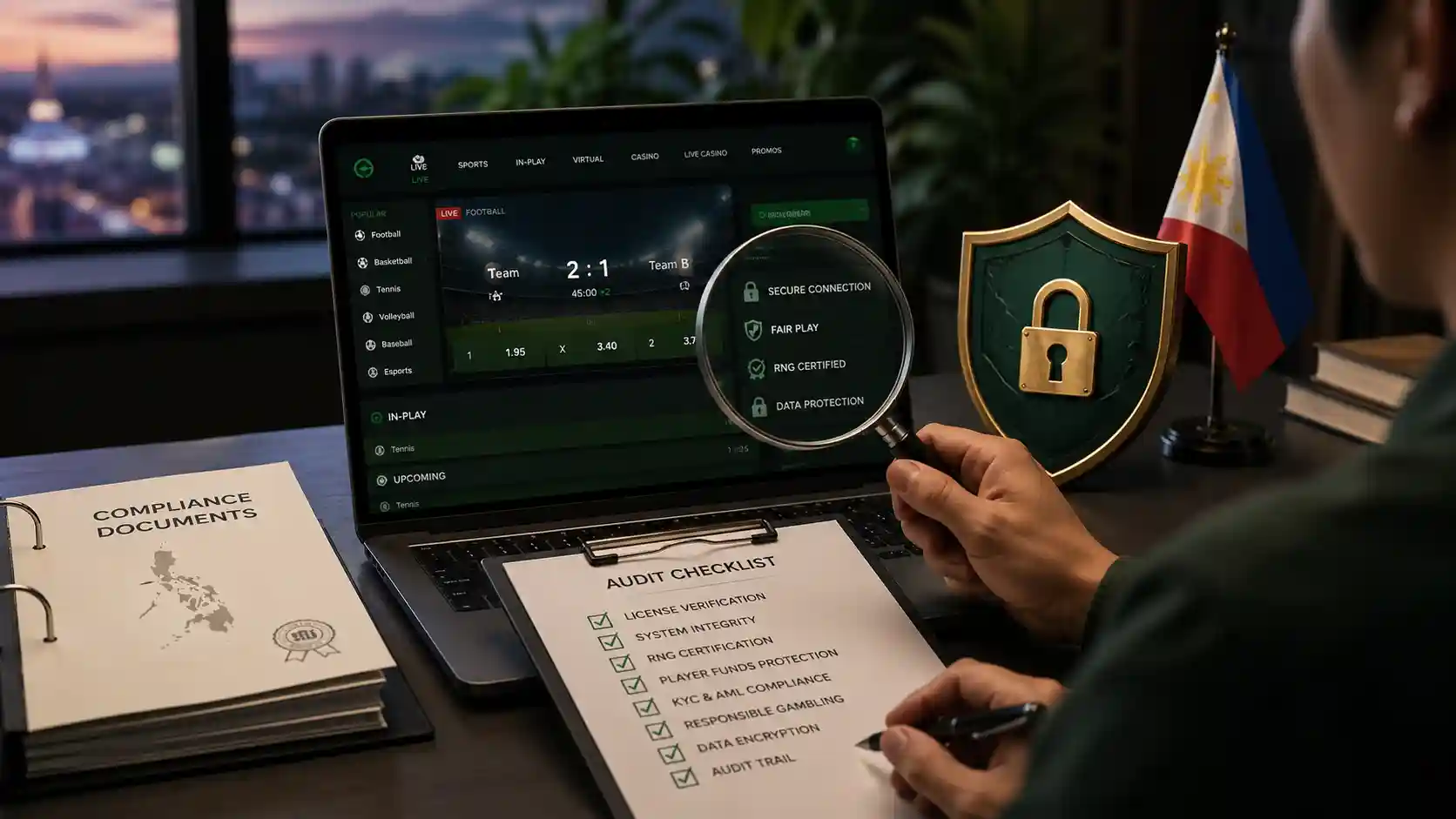
Sports betting app Philippines searches can lead to copied or unverified downloads. This sports betting website verification checklist covers current PAGCOR records, HTTPS limits, cashier instructions, app sources, account security, and complaint evidence.
- Exact PAGCOR record: Compare the full destination address with PAGCOR's latest registered-brand and URL publication.
- Connection check: Confirm HTTPS and the certificate status, while remembering that phishing sites can also obtain certificates.
- Cashier check: Confirm the current merchant, amount, methods, limits, fees, ownership rules, and references before payment.
- Privacy and support: Read the privacy notice and use only support contacts published on the verified domain.
- Age and harm controls: Look for a 21+ rule, account limits, exclusion information, and a clear complaint route.
For the broader editorial standard we use across sportsbook coverage, see how SportsBettingOnline.ph checks legit sports betting sites.
Step 1: Auditing the PAGCOR Regulatory License
Start with PAGCOR's current Electronic Gaming Licensing information and its latest registered-brand and domain publication. Match the complete domain character by character; a copied seal or licence number in a footer is not enough.
Open pagcor.ph directly rather than through an advertisement. Record the document date and repeat the check before registration, document upload, or payment because an older screenshot or third-party review can be stale.
| Audit Dimension | Evidence to look for | Evidence that is insufficient alone |
|---|---|---|
| Legal Standing | Current exact-domain match in official records | Licence screenshot or advertising claim |
| Payment Gateways | Current cashier terms and confirmed merchant | A familiar wallet or QR logo |
| Dispute Resolution | Published operator complaint route and case number | Support available only through a private message |
| Fund Security | Specific current disclosure from a primary source | Unsupported “bank-grade” marketing language |
| Age Verification | 21+ eligibility and secure verification route | A visual age badge without working controls |
Step 2: Technical SSL/TLS Security Certificate Audit
Before transmitting personal identification or financial details, inspect the complete browser address and certificate status. HTTPS protects data in transit to the displayed domain, but it does not prove that the domain is authorized or honest. Continue only after matching the exact address to the current official record.
Step 3: Evaluating Domestic Cashier Integrations
Payment availability varies. Open the cashier from the verified domain, read the current methods and terms, and check the recipient, amount, fee, and reference before confirming. Stop if a chat contact substitutes a personal recipient, requests an OTP or MPIN, or demands an extra payment to release funds.
Step 4: KYC Verification and Responsible Gaming Tools
Identity requirements differ by platform and transaction. Review the operator's current privacy notice and submit documents only through the secure route on the exact verified domain. Also check for time and money controls, account history, exclusion information, and a formal support or complaint channel.
Sources and Methodology
How this article was prepared
- Verification begins by comparing the exact brand and domain with current PAGCOR Electronic Gaming Licensing Department information.
- HTTPS and certificate status are treated as transport-security checks and not as proof that a sports betting website is licensed.
- Operator terms, cashier rules, responsible-play information, and complaint routes are checked separately because these details can change.
Primary sources
- PAGCOR Electronic Gaming Licensing Department Primary regulatory page for electronic gaming licensing and current registered-brand and domain resources.
- PAGCOR Regulatory Framework for Gaming System Administrators Official regulatory framework covering approval and use of brands, domains, and URLs.
See our Editorial Policy for sourcing, corrections, and commercial-independence standards.
Confirm the Destination Before Continuing
Apply the exact-domain, account-security, app, payment, and support checks from this guide before visiting the partner platform.
Frequently Asked Questions
Access the Regulatory section of PAGCOR's official website (pagcor.ph) and consult the active PDF list of accredited system administrators.
Rogue sites clone official brand layouts but use altered domain extensions or unencrypted connections to intercept credentials and deposits.
Look for an active HTTPS protocol with a valid organization-validated SSL/TLS certificate matching the registered company name.